Creating a digital product is only part of the customer experience.
After someone purchases, the customer needs to receive clear instructions, access the correct files, understand where to log in, and know what to do if assistance is needed.
A disorganized delivery process can create support requests and reduce trust, even when the product itself is useful.
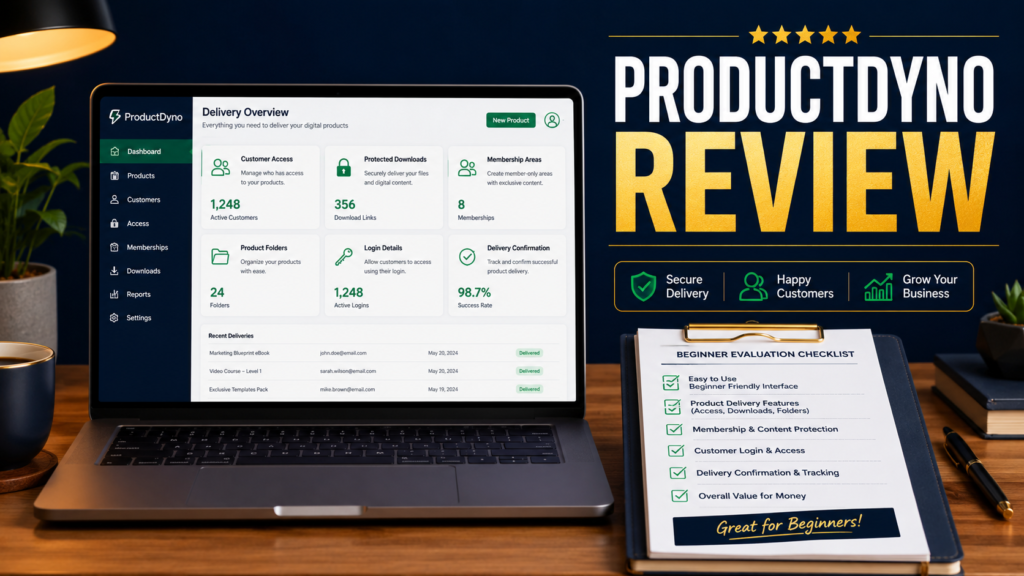
ProductDyno is a platform intended to help digital-product sellers manage delivery, customer access, protected files, memberships, and related product functions.
This review examines the platform from the perspective of a small online-business owner who wants a manageable delivery system.
Affiliate Disclosure: This article contains affiliate links. I may earn a commission if you purchase through one of these links, at no additional cost to you. This review is provided for educational purposes and does not guarantee that the software will meet every business requirement.
What Is ProductDyno?
ProductDyno is a digital-product management and delivery platform.
You can review ProductDyno here:
https://links.linkcontroller.com/mikeslinks/productdyno
The system is designed to help sellers provide customer access to products such as:
- Ebooks.
- Reports.
- Templates.
- Checklists.
- Software downloads.
- Training videos.
- Online courses.
- Membership content.
- Bonus resources.
- Product bundles.
Instead of manually emailing files after every purchase, a delivery platform can provide a more consistent process.
Why Product Delivery Matters
A customer’s first experience after purchasing should be simple.
The customer should know:
- The purchase was successful.
- Where to access the product.
- Which login details are required.
- What files or lessons are included.
- How to contact support.
- Whether access expires.
- What to do next.
Confusion at this stage can create refund requests and damage confidence.
A product-delivery system should reduce uncertainty for both the customer and seller.
Digital Download Delivery
For a simple ebook or checklist, the seller may need to provide a protected download page.
The page should clearly identify the product and include the correct files.
ProductDyno may help organize these assets and provide access after purchase.
This can be more reliable than attaching large files to individual email messages.
It also allows the seller to update a file in one central location rather than resending it to every customer.
Membership and Course Access
Some products contain multiple lessons, modules, videos, or downloads.
A structured members’ area can make this content easier to navigate.
The customer may see:
- Welcome instructions.
- Module titles.
- Lesson descriptions.
- Download links.
- Progress order.
- Bonus sections.
- Support information.
A platform such as ProductDyno may help organize this experience.
If you need to create the instructional material for a course, CourseMate AI may help develop course structures and training content.
https://links.linkcontroller.com/mikeslinks/courseai
CourseMate AI supports the content-creation side, while ProductDyno may support the delivery and access side.
Product Protection
Digital files can be copied and shared easily.
No system can eliminate every form of unauthorized sharing, but protected access may reduce casual distribution.
ProductDyno may provide tools for controlling customer access and protecting certain types of content.
Before choosing a platform, review the exact protection features available and decide whether they match the type of product you sell.
A basic PDF may require a different level of protection than software, a paid membership, or a premium course.
Customer Management
A centralized system can help a seller understand which customers purchased which products.
This may be useful when:
- Providing support.
- Updating access.
- Delivering bonuses.
- Managing refunds.
- Reviewing product ownership.
- Adding customers manually.
- Troubleshooting login problems.
Customer records should be handled carefully and only used for legitimate business purposes.
Integrations and Checkout Connections
A delivery system usually needs to connect with a payment or checkout process.
When a purchase is completed, the checkout system must communicate with the delivery platform so the correct customer receives access to the correct product.
Review whether ProductDyno connects with the checkout tools you currently use or plan to use.
Do not assume that every platform connects automatically.
Also confirm what happens when a payment fails, a subscription is cancelled, or a refund is processed.
Potential Strengths
Centralized Product Delivery
Products and customer access can be managed from one primary location.
Support for Several Product Types
The platform may work with downloads, training products, memberships, and bundled resources.
Reduced Manual Delivery
Automatic access can reduce the need to send files individually.
More Organized Customer Experience
A clear access area may feel more professional than a collection of unrelated email attachments.
Ability to Update Products
Sellers may be able to replace or add files without rebuilding the entire delivery process.
Possible Limitations
Initial Setup Requires Attention
Products, files, access rules, integrations, and customer messages must be configured correctly.
Customers May Still Need Support
Some users may forget passwords, misunderstand access instructions, or have technical difficulties.
Integration Compatibility Must Be Verified
The platform should be tested with the seller’s existing checkout and email systems.
Features May Exceed Simple Needs
Someone selling one inexpensive PDF may not require a complete membership or product-management system.
Who May Benefit?
ProductDyno may be useful for:
- Ebook sellers.
- Course creators.
- Membership owners.
- Software vendors.
- Template sellers.
- Coaches delivering resources.
- Affiliate marketers providing bonuses.
- Businesses with several digital products.
It may be less appropriate for someone who does not yet have a product or who only delivers occasional free files.
A Practical Setup Process
A beginner setup might include:
- Create the product record.
- Upload the correct files.
- Write clear access instructions.
- Connect the checkout system.
- Configure customer emails.
- Test the purchase process.
- Test the login process.
- Review the mobile experience.
- Confirm support information.
- Complete a refund or access-removal test.
Never assume the system works because the setup screen appears complete.
Perform a full customer test before promoting the product.
Conclusion
ProductDyno may provide a practical way to organize digital-product delivery, customer access, protected resources, memberships, and training content.
Its main value is creating a more consistent process after the sale.
The platform still requires careful setup, testing, and customer instructions. Automation should reduce manual work without making the customer experience confusing.
Review your current delivery process and identify where customers could become uncertain. Then determine whether ProductDyno’s features can simplify those specific steps.
#ProductDynoReview, #DigitalProductDelivery, #MembershipSoftware, #OnlineCourseTools, #DigitalDownloads, #OnlineBusinessTools